Disclosure: This article may contain affiliate links. We earn a commission at no extra cost to you if you purchase through our links. We only recommend tools we genuinely believe in.
Salesforce announced on Nov 5, 2026 that usage of Agentforce Coworker grew 21x in three months, with more than 185,000 users now putting it to work. The same announcement adds a new $50 per user per month option, plus Coworker in Microsoft Teams, Google Workspace and Microsoft 365 connections, reusable Skills, Conversation History, and iOS, Mac, and Windows apps.
That is a big headline, and it is worth a careful read before you repeat it. The 21x figure and the 185,000 user count are Salesforce's own numbers, self-reported in its press release. Salesforce does not publish the starting usage baseline, so 21x tells you the growth rate, not the absolute volume of work delegated. It also does not say how many of those 185,000 users pay the new $50 price. Keep those two limits in the post, because the readers who will test this are the ones who will ask.
What Coworker Is, in One Paragraph
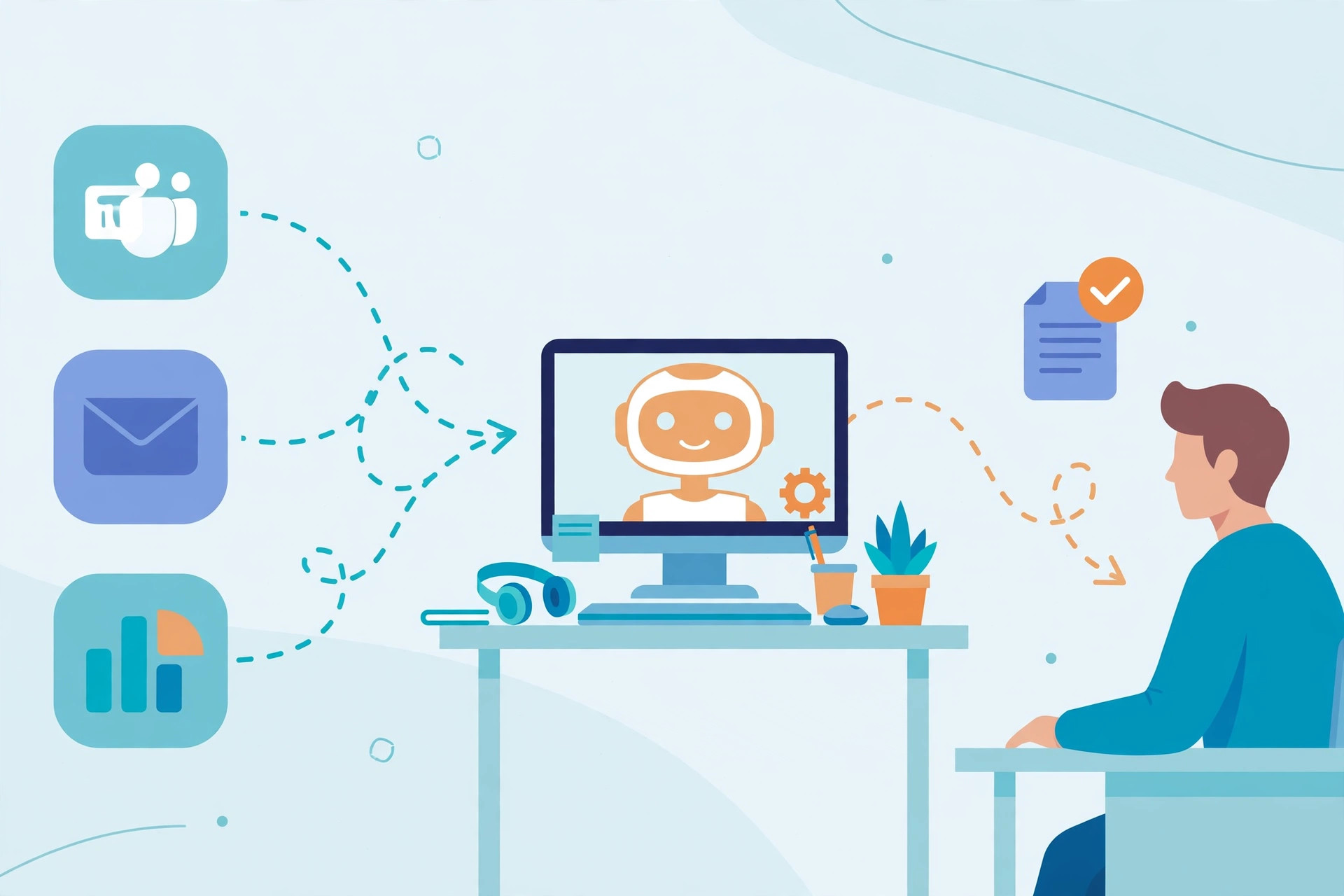
Agentforce Coworker is Salesforce's AI teammate for delegating business work. Instead of picking which Agentforce agent to use, an employee describes the job, and Coworker plans the steps, coordinates the right agents and workflows, and brings back results and recommended actions for review. It works inside Salesforce permissions, sharing rules, and governance, and draws on Salesforce records, metadata, and connected data through Data 360.
The example Salesforce gives is a seller asking Coworker to investigate an at-risk renewal. Coworker pulls service history, flags unresolved cases, prepares customer follow-up, and coordinates the supported actions. That is the pattern to test: one job, with a clear starting question and a reviewable result, not a general chat. It is the enterprise version of the idea behind How I Built an AI Assistant That Runs My Business: hand the AI a job with a clear input, and keep a human on the review step.
What Is New, and When It Lands
| Change | What it does | Availability |
|---|---|---|
| Coworker in Microsoft Teams | Delegate a job from a Teams chat, with the same Salesforce context, permissions, and governance | Generally available in November 2026 |
| Google Workspace and Microsoft 365 connections | Pairs email, calendars, and files around an account with Salesforce data, so a meeting brief or renewal plan reflects more than the CRM | Available now |
| iOS, Mac, and Windows apps | Delegate from a laptop, track progress from a phone, review and approve from any device | Generally available in November 2026 |
| Conversation History | Continue a conversation across Salesforce, Teams, and the new apps without starting over | Available now |
| Skills | Turn a proven workflow into a one-line request anyone on the team can run, such as a top rep's renewal playbook | Available now |
| Scheduled tasks and Daily Digest | Recurring work runs on a schedule, and a morning digest lists top priorities | Expected in December 2026 |
| $50 per user per month option | Flat per-user pricing for Coworker, instead of usage-metered billing alone | Available now |
Two timing notes matter for a buying decision. Teams and the new apps are listed as generally available in November 2026, not already live for every customer on Nov 5. Scheduled tasks and Daily Digest are December items, so do not plan a workflow around them yet.
The Pricing Math, With the Caveat Attached
| Item | Figure | Source and limit |
|---|---|---|
| Coworker per-user option | $50 per user per month | Salesforce announcement, Nov 5, 2026 |
| Users putting Coworker to work | More than 185,000 | Salesforce, self-reported |
| Usage growth | 21x in three months | Salesforce, self-reported, no baseline published |
| If all 185,000 users paid $50 | $9.25 million per month, about $111 million per year | Arithmetic only, not a Salesforce claim. Salesforce does not say how many pay the new price |
The $50 option is the story for a small team. It makes the cost predictable: 10 users is $500 per month, 50 users is $2,500 per month. That is easy to budget, and easy to compare against the time a team actually saves. What it does not answer is whether Coworker replaces other Agentforce billing, such as Flex Credits, for a given org. Check the pricing page and your Salesforce agreement before quoting a total cost, because packaging is subject to change, per Salesforce's own note.
Who Is Actually Using It
Salesforce names three customers expanding adoption: The Adecco Group, Fulton Bank, and BACA Systems.
- The Adecco Group: expanding Coworker across 40 countries, so employees can reach candidate and client information when human judgment matters most, per CEO Denis Machuel.
- Fulton Bank: runs more than 20 Coworker uses for about 3,000 users, per secondary reporting of the announcement.
- BACA Systems: named as expanding adoption, with no detail given in the announcement summary.
Adecco is the useful signal here, not because of the country count, but because it is a staffing business where the value is reaching the right candidate and client context at the moment a person decides. That is a delegate-and-review job, which is exactly what Coworker is built for. Fulton Bank is the scale signal: 20 uses across 3,000 users is a rollout, not a single pilot.
What is still missing is savings evidence. No hours saved, no cost per resolved case, and no renewal or revenue outcome is published in this announcement. That gap is normal for a launch-day release, and it is the reason to treat 21x as adoption momentum, not as proof of return on investment.
How to Test It If You Run Salesforce
Do not roll it out to everyone on day one. Run one job, with one team, for two weeks, and measure the review step, because that is where Coworker either earns trust or loses it. It is the same lane discipline from AI Customer Support in 2026: The 80% Playbook, Revisited: the AI drafts or acts, a human reviews, and nothing uncertain goes out on its own.
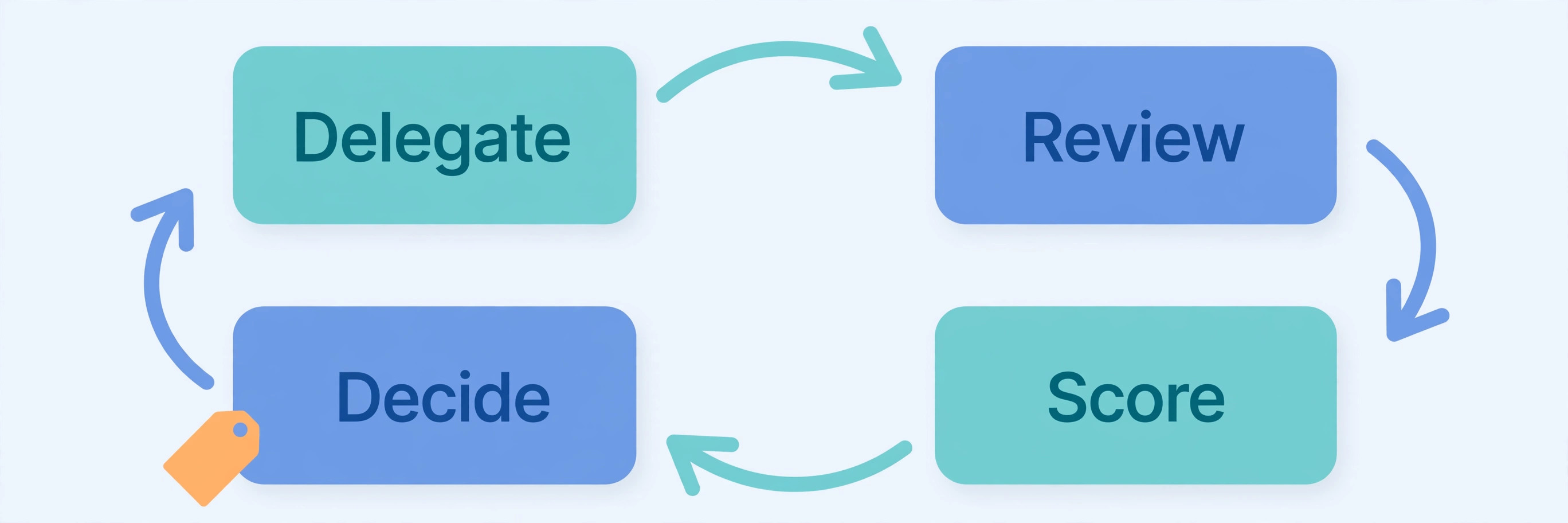
- Step 1: Pick one delegable job. A renewal investigation, a deal review, or an escalation dig, with a clear input and a result a human can check in minutes.
- Step 2: Turn one expert workflow into a Skill. Take the best rep's renewal playbook, or the best service manager's escalation checklist, and make it the standard one-line request for the test team.
- Step 3: Run it where the team already works. Teams, if that is where the conversation happens, or the Salesforce setup directly. Do not add a new app just to test an AI teammate.
- Step 4: Score the review, not the chat. For each delegated job, record three things: was the result correct, was anything missing, and how long did the human review take. If review takes longer than doing the job, the delegation failed.
- Step 5: Decide on the $50 math. Multiply the users in the test by $50, then compare it against the hours the test actually saved. A 10-person test costs $500 a month. It needs to save roughly a day of work a month across the team to break even at a $60 per hour loaded cost, and that is a rough planning figure, not a measured outcome.
If you do not run Salesforce, this announcement still matters as a pricing signal. A $50 per user per month AI teammate, sold as a flat option, is Salesforce betting that enterprises will pay a seat price for delegation, not just a usage meter. Watch whether that price holds, and whether competitors answer with their own seat price, because that will set the market for AI teammates in 2027.
What to Watch Next
- Teams rollout in November: does Coworker in Teams feel like the same product, with the same permissions, or a thinner chat front end?
- December features: scheduled tasks and Daily Digest are the two items that move Coworker from reactive to proactive. Until they ship, it waits for a job.
- The next usage update: the next number Salesforce publishes will say more than this one. A second growth figure, with a user count, will show whether 21x was launch momentum or sustained adoption.
- Savings evidence: the first customer case study with hours saved, cases resolved, or renewals protected will be the post that matters more than this announcement.
Lessons at the End
- 21x is adoption, not ROI. It is a real, sourced growth rate from Salesforce, with no baseline and no savings figure attached.
- The $50 seat price is the practical news. It turns Coworker from a metered experiment into a budget line a team can approve.
- Skills are the leverage. One proven workflow, reused by a whole team, is worth more than ten clever prompts.
- Test the review step. Coworker earns trust when a human can check its work fast. If review is slow, delegation is not saving time.
- Wait for December for proactive work. Scheduled tasks and Daily Digest are not here yet, so plan around delegation on demand for now.